

What Seemed Like a Simple Daily Task
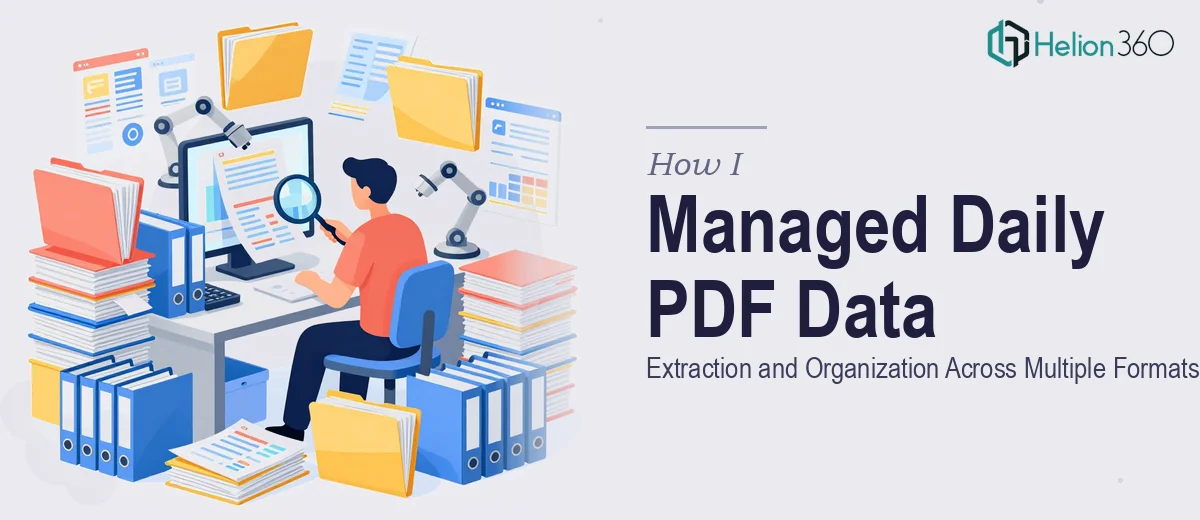
When the task first landed on my desk, it looked straightforward enough. A small batch of scanned PDF files — anywhere from five to ten a day — needed to be reviewed and have specific data copied into both Microsoft Word documents and Excel spreadsheets. Nothing that sounded complicated on paper.
I figured I could slot it into my regular workflow without much disruption. The volume was manageable, the deadline was recurring but predictable, and the files were already organized. What could go wrong?
The Reality of Working With Scanned PDFs Every Day
Quite a bit, as it turned out. The first issue was the scanned quality. These were not clean digital PDFs where you could copy and paste. They were scanned images of documents, which meant every value had to be read carefully and typed manually. One misread digit in an Excel column or a skipped row in a Word table could throw off the entire record.
The second issue was consistency. Each file had a slightly different layout. Some used tables, some used paragraph-style formatting, and a few were clearly scanned at odd angles, making certain sections difficult to read. Keeping up with the daily quota while maintaining accuracy across both output formats — structured Excel spreadsheets and clean Word documents — was more time-intensive than I had anticipated.
After a couple of weeks of managing this on my own, I noticed the error rate creeping up on days when the file quality was poor or the layout varied. I was spending more time double-checking my own work than actually getting through the files.
When Consistency Became the Real Problem
The task itself was not technically difficult, but it required a level of sustained focus and organizational discipline that was hard to maintain alongside everything else I had going on. Data extraction from scanned PDFs is one of those jobs that demands full attention — you cannot half-do it and fix it later without a real cost to accuracy.
I needed someone who could handle this daily, keep the formatting consistent across Word and Excel outputs, and stay reliable even when the source files were messy or inconsistent.
That is when I reached out to Helion360. I explained the workflow — the daily batch size, the dual-format output requirement, the variation in PDF quality — and their team took it from there.
How the Work Actually Got Done
Helion360 set up a consistent process for receiving the daily files and returning completed Word and Excel documents within the agreed timeframe. What stood out was how they handled the formatting side of things. The Excel sheets came back with clean column structures and consistent data entry, and the Word documents matched the formatting conventions I had set from day one.
Even on days when the scanned PDFs were lower quality or had unusual layouts, the output stayed accurate. They clearly had a method for cross-checking entries before returning the files, which removed the back-and-forth I had been dealing with on my own.
The daily rhythm became predictable in a way it had not been before. Files went in, organized data came back, and I could move on to other work.
What I Took Away From This
Data entry from scanned PDFs is one of those tasks that looks simple from the outside but has real complexity once you are inside it every day. The combination of variable source quality, dual-format outputs, and the need for consistent accuracy makes it genuinely demanding work.
If you are managing a similar daily extraction workflow — copying data from scanned files into Word and Excel on a recurring schedule — and finding that accuracy or turnaround time is slipping, it may be worth handing it off rather than grinding through it alone.
Helion360 handled what I could not sustain at volume, and the work stayed clean throughout. If you are at the same point I was, they are worth reaching out to.