

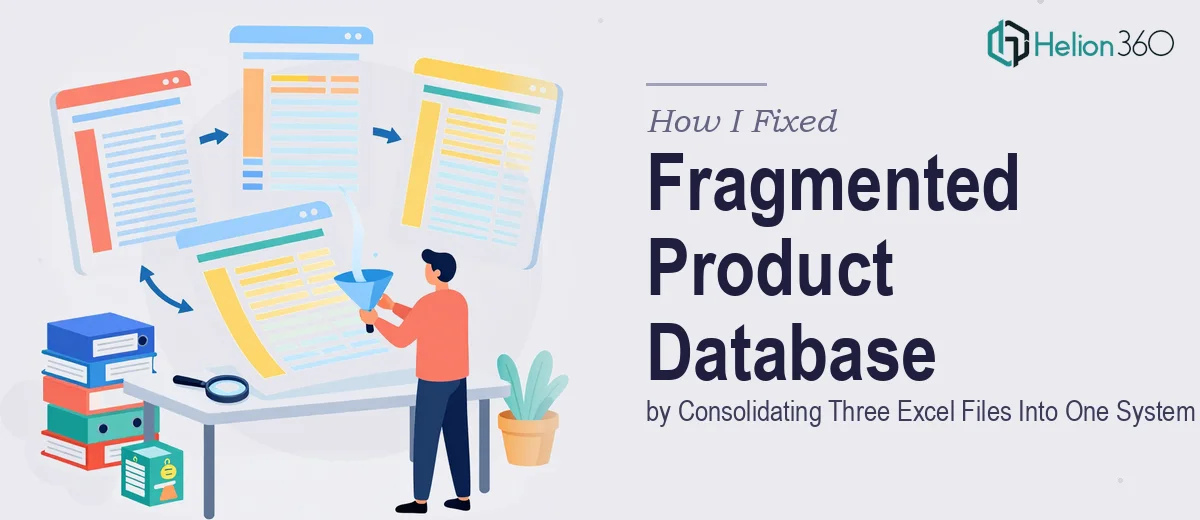
When Three Excel Files Create More Problems Than One
Our product database had grown quietly out of control. Over time, three separate teams had been maintaining their own Excel files — each with slightly different column names, different formatting conventions, and different ideas about what a "complete" product record actually looked like. When I was asked to consolidate everything into a single, reliable system, I thought it would take a weekend. It took considerably longer than that.
The moment I opened all three files side by side, I realized the scale of the problem. One file used "Product Code" while another used "SKU" and the third used "Item Number" — all referring to the same field. Some products appeared in two files with conflicting descriptions. Others were missing pricing, category tags, or unit measurements entirely. A handful of rows were outright duplicates, but with subtle differences that made it impossible to tell which version was accurate.
The Real Challenge With Merging Excel Data
My first instinct was to use VLOOKUP and a few conditional formatting rules to flag inconsistencies. That worked for the obvious stuff. But the deeper I got into the data, the more structural problems I uncovered. Fields that seemed straightforward, like product status or supplier name, had been entered in free-text format across all three files, meaning the same supplier appeared under four different spellings.
I also ran into the issue of missing product attributes. Our sales team needed specific fields — packaging dimensions, lead times, minimum order quantities — that simply had not been captured consistently. Some products had this information, others did not, and there was no standardized template driving any of it.
I spent several days trying to normalize the data manually, but every fix seemed to reveal another inconsistency underneath it. The problem was not just the data — it was the absence of any shared structure that had allowed the three files to drift apart in the first place.
Bringing In Outside Help to Finish the Job
After hitting a wall with the manual cleanup, I reached out to Helion360. I explained the situation — three Excel files, inconsistent field names, duplicate records, and missing attributes — and shared the files along with a brief on what the final database needed to include.
Their team came back quickly with a clear plan. They started by auditing all three files to map out every field variation and identify where data overlapped or conflicted. From there, they built a standardized field schema and began migrating records into a single master Excel file, resolving conflicts as they went. Where data was genuinely ambiguous, they flagged it for my review rather than making assumptions.
What I appreciated most was that they did not just dump everything into one sheet. They restructured the layout so it would actually be easy to maintain going forward — consistent dropdown values for categorical fields, clear column headers, and a logical tab structure that separated active products from archived ones.
What the Cleaned Database Actually Looked Like
The final deliverable from Helion360 was a single, consolidated Excel file with every product attribute accounted for. Duplicate entries had been resolved, field names were standardized across the board, and the records that had been missing key attributes were either completed or clearly flagged for follow-up with the relevant team.
They also included a short document outlining the data structure decisions they had made and a few recommendations for keeping the database consistent going forward — things like enforcing dropdown validation on key fields and using a single owner for each product category.
For our team, the difference was immediate. Sales could look up a product and trust what they were seeing. The operations team stopped getting conflicting spec sheets. The back-and-forth between departments over "which version is correct" essentially disappeared.
What This Taught Me About Data Management
The honest lesson here is that messy Excel data is rarely just a formatting problem. When files are built independently without a shared structure, the inconsistencies compound over time and become genuinely difficult to untangle without a systematic approach. Trying to fix it piecemeal — which is what I was doing — tends to create new errors while solving old ones.
If you are sitting on a similar situation, whether it is a product database, a client list, or any kind of multi-source Excel file that has grown inconsistent over time, Helion360 is worth reaching out to. They handled the parts I could not get through alone and delivered a clean, usable system on the other side.