

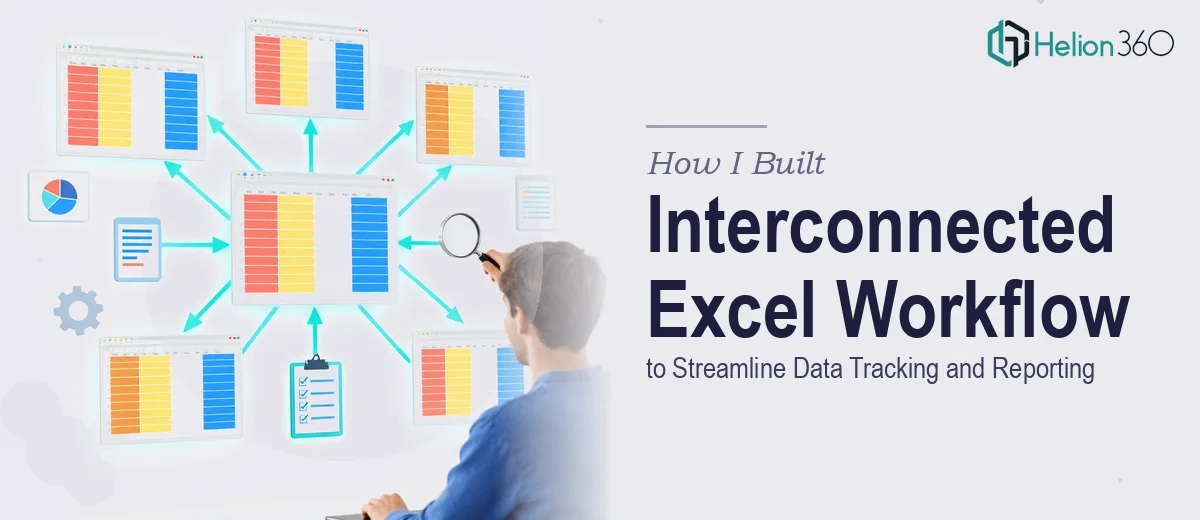
The Problem: Too Many Spreadsheets, No Real System
I was managing a project that involved collecting input data, running calculations, producing summary reports, and visualizing key metrics — all at the same time. On the surface, that sounds manageable. In practice, it meant juggling four different spreadsheets that had nothing to do with each other.
Every time something changed in the input sheet, I had to manually update numbers downstream. The final report was always a step behind. Charts were disconnected from live data. It was a mess that was costing time every single week.
What I actually needed was an interconnected Excel workflow — a system where each sheet fed into the next, where changes at the source level automatically cascaded through calculations and into the final reporting view.
What I Tried on My Own
I started by building a rough structure in Excel. I had a data entry sheet, a calculations tab, a summary sheet, and a chart dashboard. On paper, the logic was sound. I knew the basics of linking cells between sheets, using named ranges, and writing simple formulas.
But as soon as the structure grew beyond two linked sheets, things got complicated fast. Circular references started appearing. Some formulas were pulling from the wrong tabs after I reorganized columns. The charts were not dynamically tied to the filtered data the way I needed them to be. And when I tried to add a fifth sheet for a secondary reporting view, the whole system started to feel brittle.
This was not a skill gap in terms of Excel knowledge — it was a structural and architectural problem. Building a clean, scalable Excel workflow system that links multiple sheets reliably, handles data validation, and supports both calculation logic and visual output at the same time requires a level of planning and precision that goes well beyond casual spreadsheet work.
Bringing in the Right Help
After hitting that wall, I came across Helion360. I explained what I was trying to build — four to five Excel sheets that each represented a distinct part of the workflow, seamlessly linked so that data entered at one stage would flow through calculations and surface correctly in the final report and charts.
Their team asked the right questions upfront. What were the data inputs? How did the calculation logic work? What should the final report look like? Were there specific chart types needed for the dashboard? That initial scoping conversation made it clear they had done this kind of work before.
How the Final System Came Together
Helion360 built the full Excel workflow system with a clear and logical structure across five sheets.
The first sheet handled all raw data entry with built-in validation to prevent input errors. The second sheet ran the core calculations, pulling directly from the input tab using clean, auditable formulas. The third sheet served as the summary and analysis layer, aggregating results and flagging key figures. The fourth sheet was a dynamic chart dashboard that updated automatically based on the processed data. The fifth sheet was a formatted final report view — clean enough to share directly with stakeholders without any manual reformatting.
Every sheet was linked properly. Changing a value in the input sheet updated everything else without any manual intervention. Named ranges made the formulas readable. The charts responded to real data in real time.
What I Learned From the Experience
Building an interconnected Excel workflow system is genuinely complex work. It is not just about knowing Excel — it is about designing a data architecture that holds together under real conditions, where inputs change, columns get added, and reports need to look clean without any extra effort from the user.
The system I now have has saved time every week. There is no more manual reconciliation between sheets, no more out-of-date charts, and no more risk of errors creeping in when data gets updated.
If you are trying to build a linked Excel workflow for data tracking or reporting and the structure keeps breaking down, Helion360 is worth reaching out to — they built exactly what I needed and the system has held up without issues since day one.