

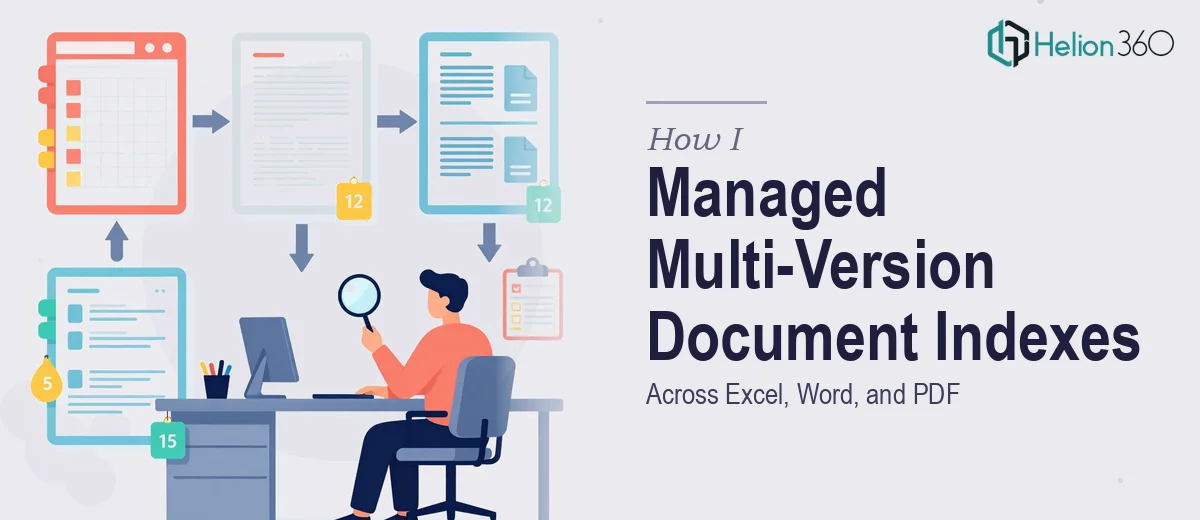
When Keeping Documents in Sync Becomes a Full-Time Job
It started with what seemed like a straightforward task — maintain and update a set of business document indexes across Excel, Word, and PDF files. The goal was simple: every version had to stay current, consistent, and accurate. No missing entries, no outdated references, no formatting that broke between file types.
What I did not anticipate was how quickly that "simple task" would spiral into something far more time-consuming than expected.
The Problem With Multi-Format Document Management
The challenge with managing indexes across Excel, Word, and PDF is that each format behaves differently. In Excel, I could update a table and sort entries easily enough. But the moment that same data needed to appear in a Word document with proper formatting, or be exported cleanly into a PDF that matched the original layout, things started breaking down.
I would update the Excel index, then manually mirror those changes in the Word file. By the time the PDF was generated, some entries had shifted, headers were misaligned, and the numbering was off. I spent more time cross-checking than actually updating. And every time a new version of any file came in, the cycle started over.
Data integrity was the real concern. In document indexing work, a single missed entry or an out-of-sequence reference can cause downstream problems — especially when these files are used for reporting, auditing, or compliance purposes. I was careful, but being careful was not enough when the volume kept growing.
Where Manual Effort Stopped Being Practical
After a couple of rounds of this, I realized that the issue was not my attention to detail — it was that the process itself was not sustainable. Keeping three file formats in sync manually, while maintaining version control and ensuring data consistency, required a level of structured workflow I had not set up yet.
I needed someone who understood not just how Excel, Word, and PDF work individually, but how to manage them as a coordinated system. That is when I reached out to Helion360. I explained the situation — the volume of files, the version control problem, the formatting inconsistencies — and their team took it from there.
How the Work Got Organized
The Helion360 team approached it methodically. They started by auditing the existing files to understand where the inconsistencies were coming from. Rather than patching things slide by slide or row by row, they established a clean source structure in Excel first, then mapped how that data needed to flow into the Word document and the final PDF output.
They handled the formatting alignment between the Word and PDF versions so that the index entries rendered consistently regardless of which format was being referenced. They also built in a clear version-tracking approach so that any future updates could be made in one place without having to manually chase changes across all three file types.
The consistency across all documents was something I had been struggling to achieve on my own. Seeing it done cleanly made clear how much of the problem was structural, not just a matter of effort.
What the Outcome Looked Like
When the files came back, the indexes were clean, properly sequenced, and consistent across Excel, Word, and PDF. The formatting held up when the Word file was converted to PDF. The Excel tables were organized in a way that made future updates straightforward rather than something to dread.
More importantly, the process was documented clearly enough that I could maintain it going forward without starting from scratch each time.
What I Took Away From This
Document index management across multiple file formats sounds like basic administrative work, but when accuracy and consistency are non-negotiable, it requires a structured process and genuine attention to detail. Trying to handle it manually across Excel, Word, and PDF without a clear system in place is where most of the time gets lost.
If you are dealing with the same kind of multi-format document work and finding that the volume or complexity is getting ahead of you, Helion360 is worth reaching out to — they handled the structural side of this problem efficiently and delivered work that was ready to use. Learn more about how I automated multiple Excel files to generate reports and how document quality and consistency can be maintained at scale.