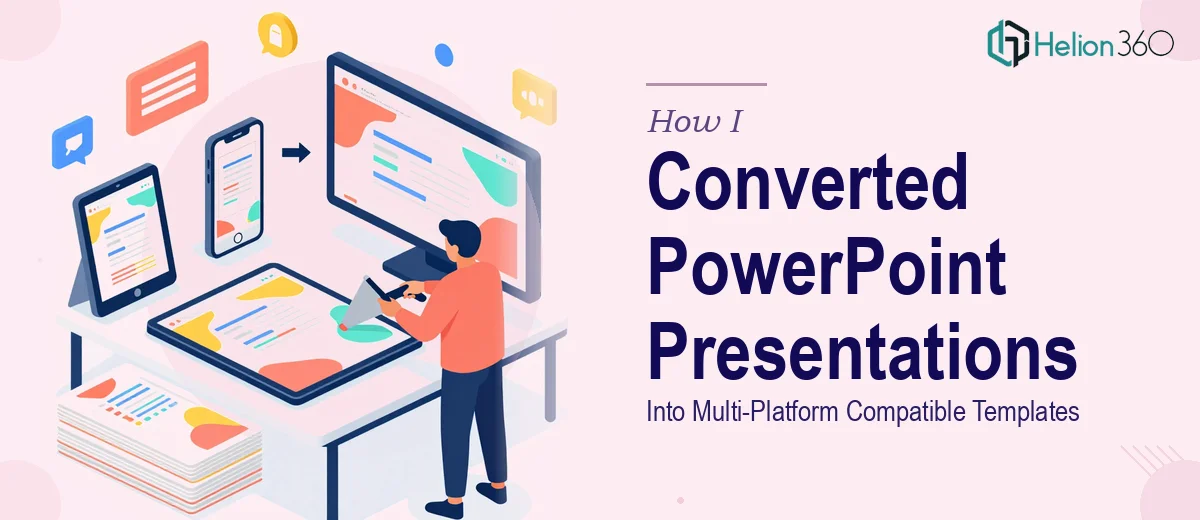
How I Converted PowerPoint Presentations Into Multi-Platform Compatible Templates
Learn how to convert PowerPoint presentations into multi-platform compatible templates — with real specs, naming conventions, and common pitfalls to avoid.
Read MorePresentation design, digital marketing & market research for businesses worldwide.
Loading blog…
Learn how to convert PowerPoint presentations into multi-platform compatible templates — with real specs, naming conventions, and common pitfalls to avoid.
Read MoreLearn how to design a PowerPoint template system that keeps your team's presentations consistent, on-brand, and professionally polished every time.
Read MoreLearn how to design a modern PowerPoint template that looks polished, builds credibility, and works across every slide your business needs.
Read MoreLearn how to redesign your PowerPoint slide workflow with templates, master slides, and smart systems that cut presentation creation time significantly.
Read MoreLearn how to redesign PowerPoint templates that make complex tech information clear, structured, and visually compelling for any audience.
Read MoreLearn how to build a master PowerPoint template with scalable color systems, typography hierarchies, and brand consistency across every slide.
Read MoreLearn how to build a polished, brand-consistent PowerPoint template library for interior design firms — from grid systems to slide masters and asset libraries.
Read MoreLearn why text boxes in PowerPoint master slides stop responding and how to fix them properly — with real techniques, layout rules, and common pitfalls.
Read MoreLearn how to design a visually consistent 23-slide PowerPoint presentation using custom templates, grid systems, and smart slide architecture.
Read MoreLearn how to build a reusable PowerPoint Slide Master template that standardizes fonts, colors, layouts, and branding across multiple projects and teams.
Read More