17Jul
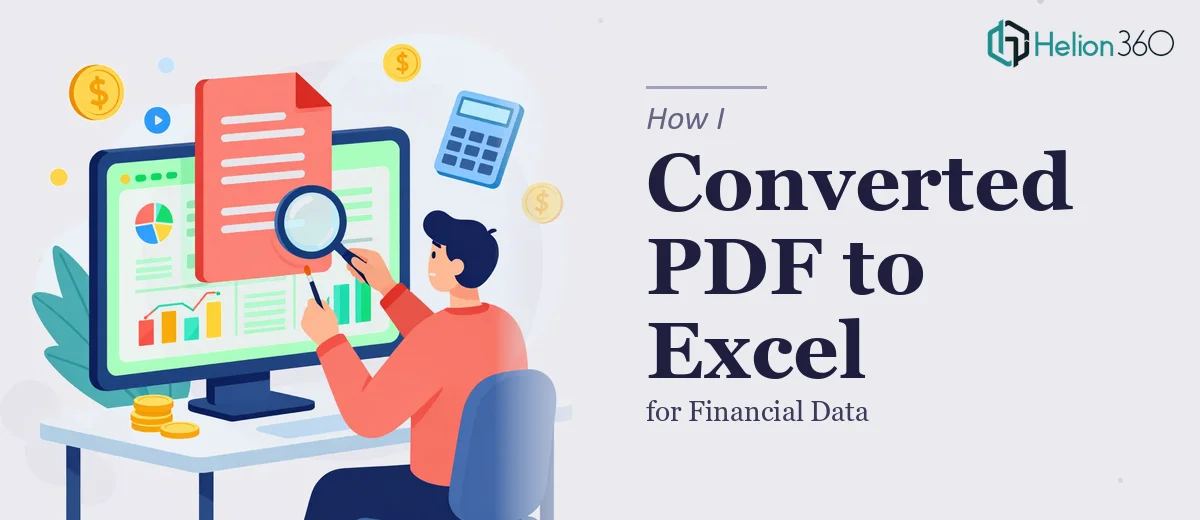
How I Converted PDF Documents to Formatted Excel Files for Financial Data
Learn how to accurately convert PDF documents into structured, formatted Excel files for financial data — tools, methods, pitfalls, and best practices.
Read More

Presentation design, digital marketing & market research for businesses worldwide.
Loading blog…
Learn how to accurately convert PDF documents into structured, formatted Excel files for financial data — tools, methods, pitfalls, and best practices.
Read More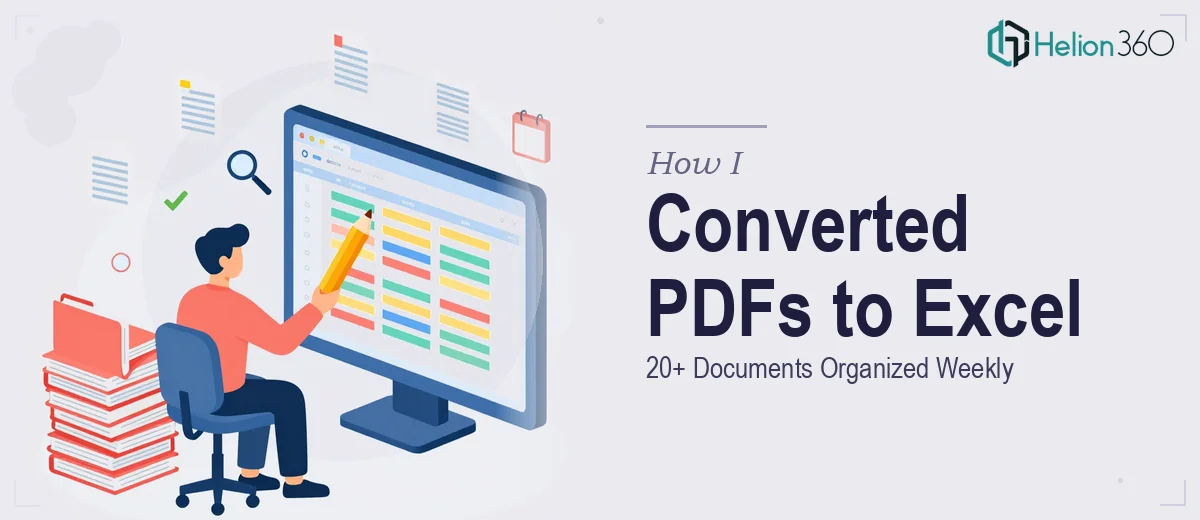
Learn how to convert PDF documents into clean, organized Excel spreadsheets efficiently — tools, structure tips, pitfalls, and best practices covered.
Read More
Learn how to convert a complex Word document into an interactive Excel Gantt chart and S-Curve with real formulas, structure tips, and pitfalls to avoid.
Read More
Learn how to transform raw Excel datasets into clean, branded PowerPoint pie charts at scale — with real formulas, chart settings, and workflow tips.
Read More
Learn how to build an automatic PNG image generator using Excel VBA and macros. Step-by-step guidance on setup, code structure, and avoiding common pitfalls.
Read More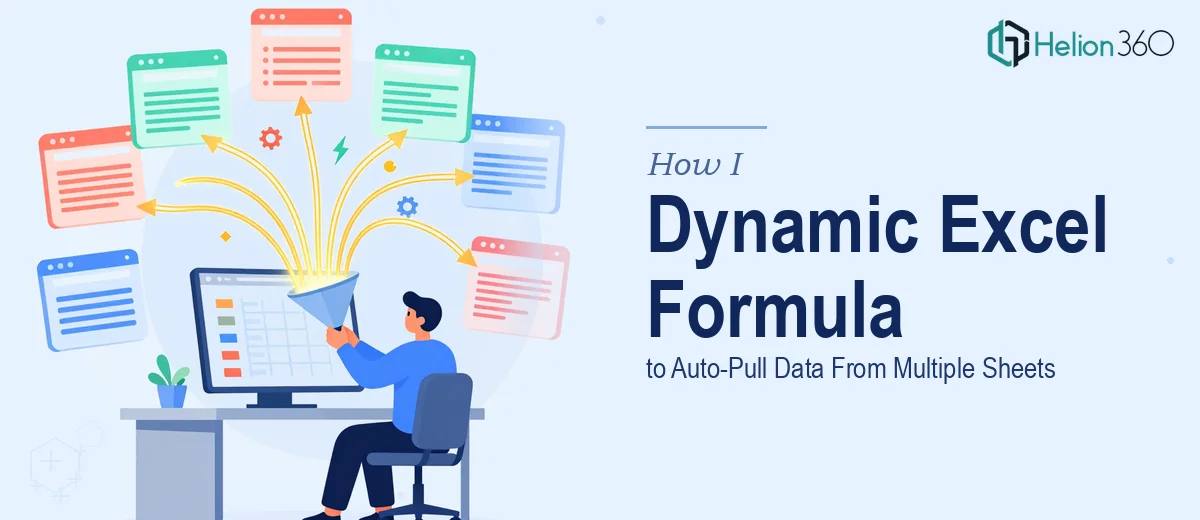
Learn how to build dynamic Excel formulas that auto-pull data from multiple sheets — including INDIRECT, INDEX-MATCH, and named range strategies.
Read More
Learn how to recreate a Canvas invoice design in Excel with pixel-perfect precision — grid setup, formatting rules, color matching, and common pitfalls explained.
Read More
Learn how to convert 500+ Excel contacts to vCard (.vcf) format for seamless iPhone and iCloud sync — tools, field mapping, and common pitfalls explained.
Read More
Learn how to convert Google Sheets to a multi-sheet Excel spreadsheet with dynamic drop-down menus, data validation, and named ranges that actually work.
Read More
Learn how to migrate a legacy Excel spreadsheet into a dynamic Smartsheet dashboard — including structure, formulas, pitfalls, and best practices.
Read More