15May
How I Executed a Large-Scale Hebrew PDF to Excel Data Conversion Project
Converting Hebrew PDFs to Excel is trickier than it looks. Here's how I managed a large-scale data extraction project accurately and efficiently.
Read More

Presentation design, digital marketing & market research for businesses worldwide.
Loading blog…
Converting Hebrew PDFs to Excel is trickier than it looks. Here's how I managed a large-scale data extraction project accurately and efficiently.
Read More
Learn how I converted static graphics into editable, high-quality PowerPoint and Excel files — and how Helion360 made the process seamless and accurate.
Read More
Learn how a complex Google Sheets to Excel web app migration on O365 was handled without data loss — a real experience with practical takeaways.
Read More
I needed to convert Google Sheets to Excel with extra columns, a second sheet, and dynamic drop-down menus. Here's how the work actually got done.
Read More
I tried converting a complex Excel spreadsheet to Smartsheet on my own. Here's what happened, where I got stuck, and how the work finally got done right.
Read More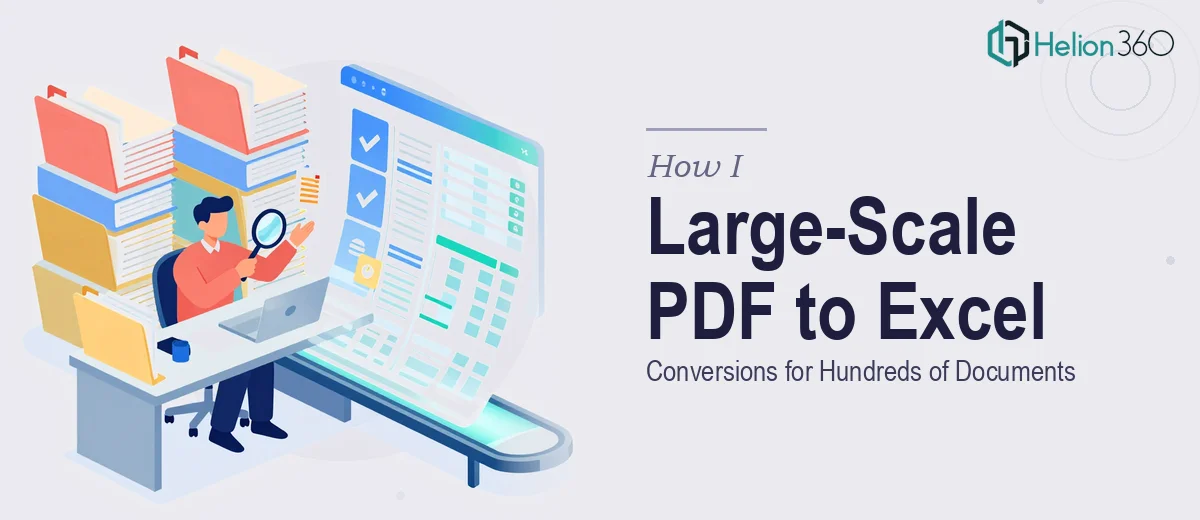
Managing large-scale PDF to Excel conversions is harder than it sounds. Here's how I handled hundreds of documents accurately and what made the difference.
Read More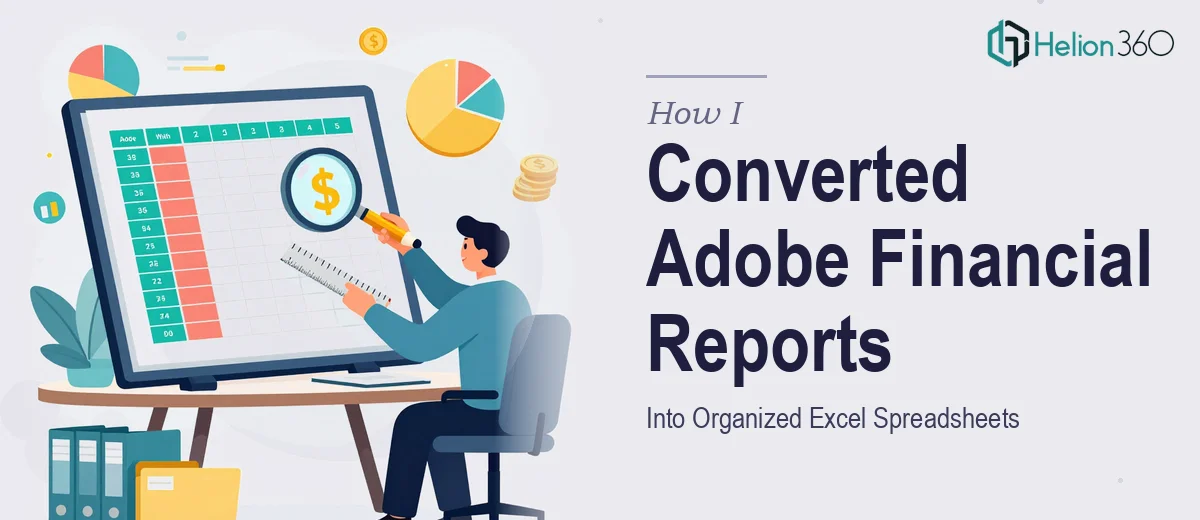
Learn how I converted multi-sheet Adobe financial reports into clean, organized Excel spreadsheets — and why I turned to Helion360 to get it done right.
Read More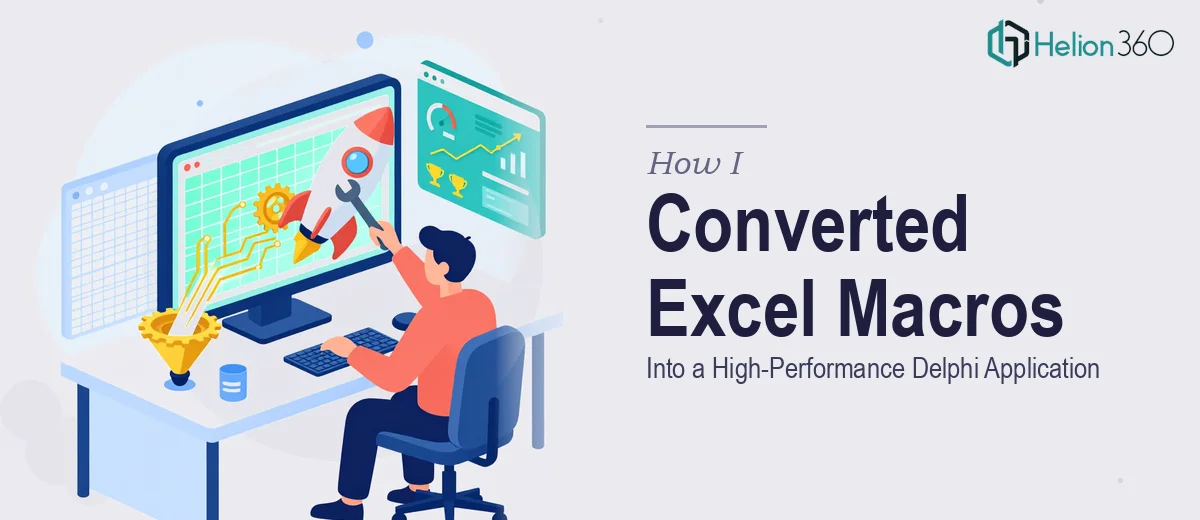
I had a complex Excel VBA macro system that was slow and fragile. Here's how I got it converted into a fast, reliable Delphi application from scratch.
Read More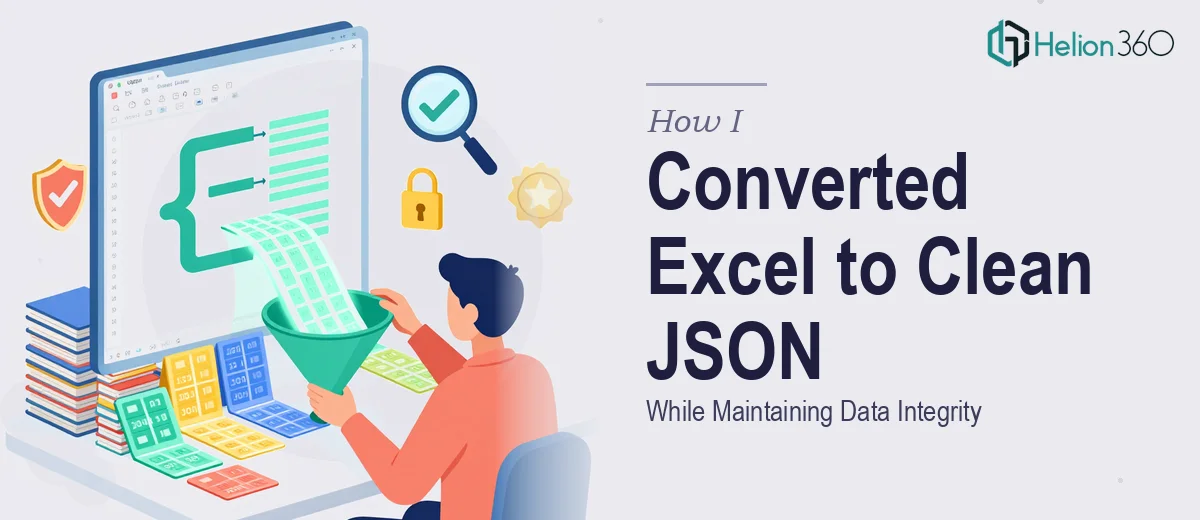
I needed to convert large Excel files to structured JSON without losing data integrity. Here's how I handled it and what made the difference.
Read More
I tried to handle a large Excel to Google Sheets migration on my own. Here's what went wrong, how I got help, and what the final result looked like.
Read More