

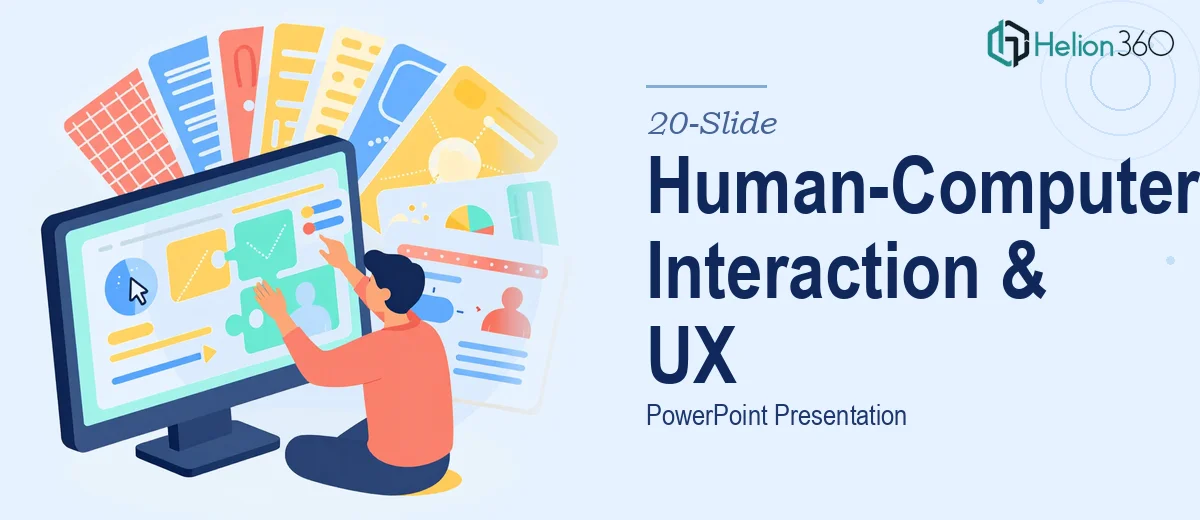
Designing a Structured, Visual PowerPoint on Human-Computer Interaction
Human-computer interaction is a broad field. Covering it well in exactly 20 slides — with visual examples, accessibility considerations, voice interface coverage, and a strong summary — is a real design and editorial challenge. That was exactly the task in front of us.
The client came with a detailed brief and clear expectations. They needed a presentation that could speak to audiences familiar with UX trends while remaining accessible to those less steeped in the technical side of interface design. Getting that balance right meant starting with structure, not visuals.
Building the Content Architecture First
Before any slide was designed, we mapped every required topic to a specific slide position. Touchscreens, voice interfaces, intuitive UI, accessibility, and inclusivity each needed coverage — and each needed at least one visual example. With a hard cap of 20 slides, there was no room for filler or repetition.
We created a slide-by-slide outline that assigned a single job to every slide: introduce a concept, show an example, explain a trend, or synthesize findings. This prevented content from bleeding across slides and kept the narrative tight.
The opening slides established context — what human-computer interaction means today and why UX design trends matter. From there, the deck moved through each interface type in sequence, building toward the accessibility and inclusivity discussion before landing on the summary.
Visual Examples That Did Real Work
Each interface category required a visual that clarified rather than decorated. For touchscreen interfaces, we used clean UI mockups showing gesture-based navigation. For voice interactions, we illustrated conversational flow diagrams that showed how users move through a voice-driven experience. For intuitive interfaces, we selected before-and-after comparisons that made the UX principles immediately readable.
These weren't stock images dropped into a template. Each visual was chosen or constructed to reinforce the specific point being made on that slide.
Accessibility as a Thread, Not a Topic
One of the more important decisions we made was treating accessibility and inclusivity as a through-line rather than a single dedicated section. Yes, there was a slide focused specifically on accessibility in UX design — but references to inclusive design appeared naturally across the touchscreen and voice interface slides as well.
This approach reflected how accessibility actually works in professional UX practice: it isn't a checkbox at the end of the process, it's a consideration embedded throughout. The client wanted the deck to reflect current thinking, and this structure did exactly that.
The Summary Slide
The final content slide consolidated key takeaways from across the deck into a single, scannable format. Rather than simply listing what was covered, we framed the takeaways as recommendations — practical guidance a presenter could reference and discuss in real time.
This gave the deck a forward-looking close rather than a simple recap, which is more useful for any audience walking away with questions about implementation.
Presentation Design and Flow
At Helion360, visual consistency across 20 slides requires deliberate decisions about typography, color, and spacing — not just aesthetic choices, but structural ones. We used a clear visual hierarchy so audiences could orient themselves quickly on each slide. Headers signaled topic shifts. Supporting text was kept short. Data and diagrams were given breathing room.
The result was a deck that flowed naturally when presented aloud and held up visually when reviewed slide-by-slide. No single slide felt out of place or disconnected from what came before or after.
Working With Helion360
If you're working on a presentation that has to hit specific requirements — topic coverage, slide count, visual standards, and narrative flow — Helion360 is built for exactly that kind of project. We've handled complex briefs like this one and know how to translate detailed instructions into polished, presentation-ready deliverables.
We don't cut corners on structure to save time on design, or vice versa. Both matter. If you have a presentation that needs to be right, we're ready to help you get it there.