

The Task Looked Simple. It Wasn't.
It started as what I thought would be a straightforward internal project. We had a growing library of question-and-answer content pulled from various industry websites — product FAQs, technical documentation, user forum threads — and the goal was to convert all of it into structured PowerPoint presentations for internal training use.
I figured I could handle it myself. Pull the Q&A pairs, drop them into slides, clean up the formatting. Done in a week, maybe two.
That estimate was off by a considerable margin.
Where the Process Started Breaking Down
The first problem was volume. There were hundreds of Q&A pairs spread across dozens of source pages. Manually going through each one, deciding what was relevant, and then figuring out how to present it in a way that actually made sense on a slide — it took far longer than I anticipated.
The second problem was structure. A question-and-answer format works well in text. On a slide, it's a different challenge entirely. You can't just paste a long answer block onto a slide and call it a presentation. The content needed to be reorganized, trimmed, and grouped thematically so it would actually communicate something useful to an audience.
I spent a full week trying to build a repeatable workflow. I made templates, tried color-coding by topic, experimented with different slide layouts. Each attempt got closer but never quite landed. The slides looked cluttered, the groupings felt arbitrary, and I kept running into content that didn't fit neatly into any category I'd defined.
By week two, it was clear this was going to take expertise I didn't have the bandwidth to develop on the fly.
Bringing in the Right Team
After hitting that wall, I came across Helion360. I explained the problem — the raw Q&A content, the need for organized PowerPoint presentations, and the scale of the work involved. Their team understood the brief immediately and didn't need much hand-holding to get started.
What I handed over was essentially a messy spreadsheet of questions and answers, tagged loosely by topic. What came back was a coherent set of presentation-ready slides, organized by theme, with clean visual hierarchy and consistent formatting across every deck.
How the Conversion Process Actually Works
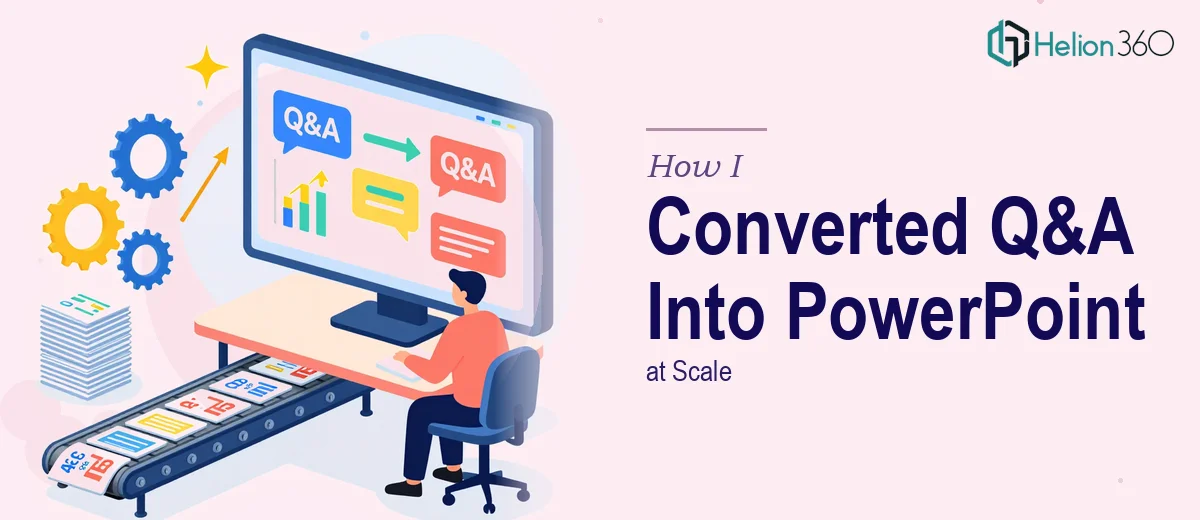
Seeing the finished output made the process much clearer to me. Effective Q&A to PPT conversion isn't just about transferring text — it's about making editorial decisions.
Each question becomes a slide headline or section anchor. The answer gets distilled into the two or three key points that a viewer actually needs to retain. Supporting detail that works in a written format often gets moved to speaker notes or dropped entirely.
Grouping matters too. Related questions need to sit together so the presentation flows logically rather than jumping between disconnected topics. Helion360's team handled that grouping systematically, which is what I had been struggling to do manually.
What the Final Output Looked Like
The completed presentations were clean and navigable. Each deck covered a specific topic area — onboarding questions, product functionality, troubleshooting — and the slides within each deck followed a consistent structure. Headers were clear. Answers were concise. The visual design was professional without being distracting.
More importantly, the presentations were actually usable. I could hand them to a team member with no background briefing and they'd understand the content immediately. That was the benchmark I'd been trying to reach on my own without success.
What I'd Do Differently From the Start
If I were starting this kind of project again, I'd front-load the structural planning. Before collecting a single Q&A pair, I'd define the topic categories, set a maximum word count per answer, and build a slide template that the content could slot into directly.
I'd also be more realistic about the editorial work involved. Converting web content into presentation format is not a copy-paste task. It requires decisions about what to keep, what to cut, and how to sequence information — and those decisions compound quickly when you're working at scale.
For anyone managing a similar volume of content, the honest advice is to get a structured process in place early, or bring in a team like Helion360 that already has one.
Working through a large content-to-presentation project and not sure where to start? Helion360 handles the full process — from raw content to finished slides — so you can focus on what actually needs your attention.