

The Goal Sounded Simple. The Execution Was Anything But.
I was building an educational initiative for high school students ahead of the new academic year. The idea was clear enough: create a series of PowerPoint presentations covering core subjects, make them interactive, cater to different learning styles, and use AI tools like ChatGPT to generate personalized learning paths based on each student's performance.
On paper, it felt manageable. In practice, it was a different story.
Where I Started — And Where I Got Stuck
I began by mapping out the subjects and drafting a rough content structure for each module. That part went fine. The trouble started when I tried to layer in the interactive elements. Embedding quizzes directly into PowerPoint without third-party tools is clunky. Getting short videos to play reliably across devices adds another layer of complexity. And making sure everything was accessible through a learning management system without breaking formatting took time I did not have.
The AI personalization piece was even harder to execute cleanly. I had a vision for how ChatGPT could generate tailored follow-up resources based on quiz results — but connecting that logic to slide content in a way that was actually usable for students required a workflow I had not built before.
I spent about a week testing different approaches. Some worked partially. Most did not hold up once I stress-tested them with real content.
Bringing in Outside Help
After hitting that wall, I came across Helion360. I explained what I was trying to build — the interactive PPT structure, the AI-driven personalization concept, the LMS compatibility requirement — and their team took it from there.
What I appreciated was that they did not ask me to simplify the brief. They understood the scope: multiple subject decks, each with embedded interactive checkpoints, visual variety to support different learning styles, and a clean handoff format compatible with our school's online platform.
What the Final Deliverable Looked Like
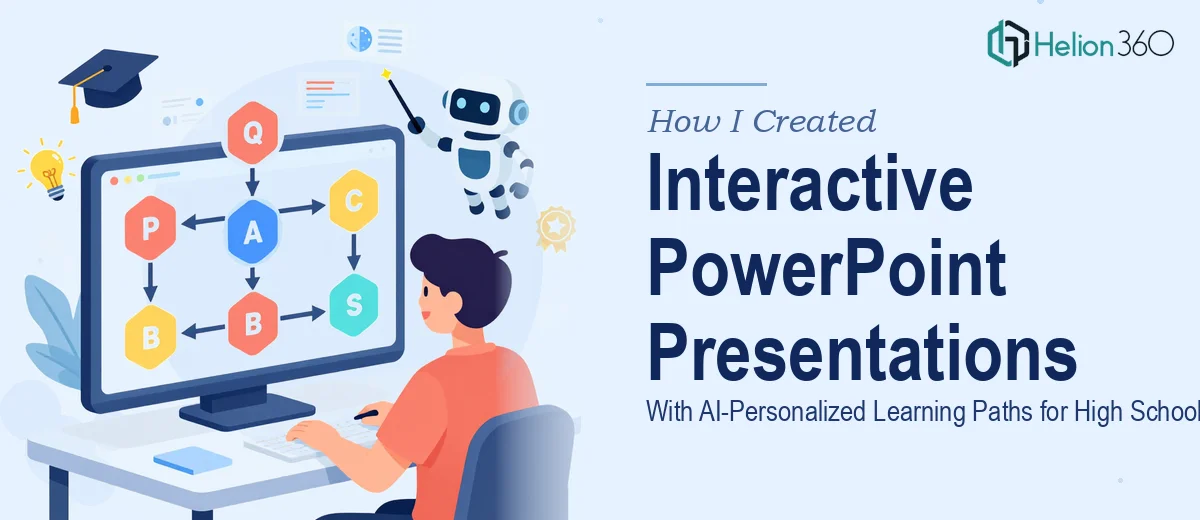
The presentations they built were structured in a way I had not quite visualized myself. Each module opened with a visual overview of the learning path, so students could see where they were headed before diving into the content. Slides alternated between instruction, visual explanation, and short knowledge-check moments — not just bolted-on quizzes, but checks that felt like a natural part of the flow.
For the AI personalization layer, Helion360 designed a framework where student responses at each checkpoint fed into a ChatGPT prompt structure I could use to generate customized follow-up materials. It was practical rather than overly technical — something a teacher could actually manage without a developer on call.
The visual design itself was deliberately varied. Some slides leaned on infographics to explain processes. Others used clean text-and-image layouts for concept-heavy content. A few included space for embedded video without disrupting the slide's readability on a projected screen or a student's laptop.
What Made the Difference
The thing that surprised me most was how much thought went into the student experience rather than just the slide aesthetics. The interactive PowerPoint presentations were not just visually polished — they were built with attention spans in mind. Content was broken into digestible sections. Transitions were purposeful. The pacing felt right for a classroom or self-directed online setting.
I had been so focused on the technical challenges — the AI integration, the LMS compatibility — that I had underestimated how much work goes into making educational slide content genuinely engaging. That combination of instructional design thinking and clean execution is where the real value showed up.
Getting It Done Before the Academic Year
The timeline was tight, and that was a real constraint from the start. Having a team that could work through the full scope — structure, design, interactivity, and AI workflow — without me managing every step made the deadline achievable. The final set of materials was ready to upload and share with students before the school year began.
If you're working on a similar project — educational presentations that need to be more than just slides — Helion360 is worth reaching out to. They handled the complexity I couldn't manage alone and delivered something I could actually put in front of students with confidence.