

The Problem: Too Many Data Sources, No Clean Workflow
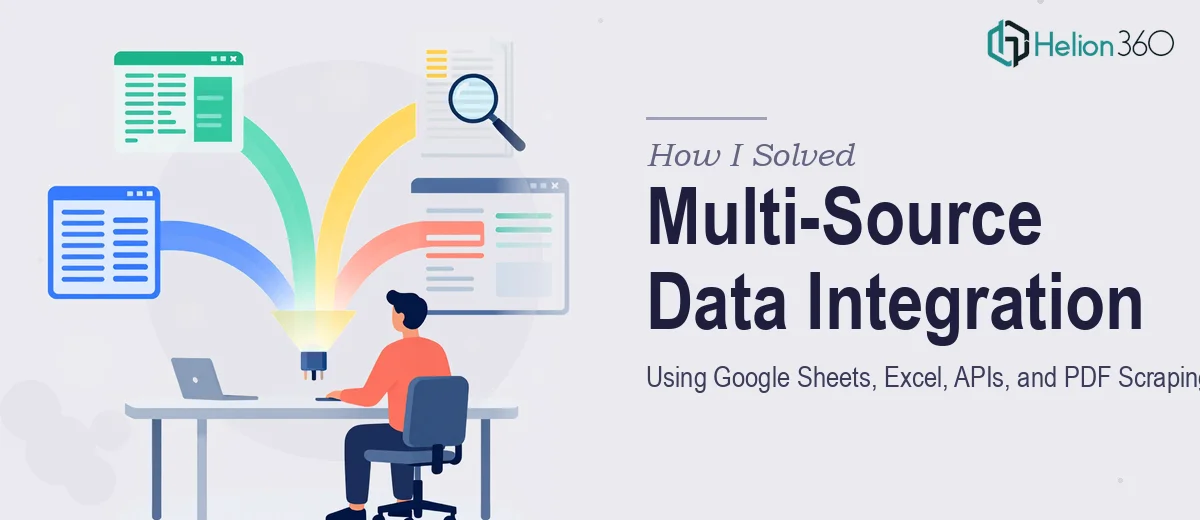
I was managing a workflow that pulled information from at least four different places — Google Sheets, Excel files, a JSON API, and a stack of PDFs that contained structured data we needed to process regularly. On paper, it sounded manageable. In practice, it was a mess.
Every week, someone on the team was manually copying data between spreadsheets, re-entering numbers from PDF reports, and trying to reconcile outputs that never quite matched. The JSON API we were using returned clean data, but nothing was connected. There was no automation, no single pipeline — just a lot of manual effort holding the whole thing together.
I knew the solution had to involve some form of data automation. The goal was to build an integration that could pull from all these sources, normalize the data, and feed it into a central output without someone babysitting the process.
Why Doing It Myself Wasn't Working
I started by trying to build this out on my own. I set up some basic Google Sheets scripts, used a few IMPORTDATA formulas, and looked into Python libraries for PDF scraping. I made progress in isolated areas — the API calls worked in a test environment, and I got a rough script running that could extract text from simple PDFs.
But the moment I tried to connect everything, things broke. The PDF scraping logic struggled with inconsistent formatting across different document types. The Excel files had merged cells, varying column structures, and formula dependencies that made programmatic reading unreliable. And the JSON API responses needed custom parsing logic that was getting more complex than I could maintain alongside everything else.
The real problem wasn't any single piece — it was the integration layer. Getting Google Sheets, Excel, HTML output, a JSON API, and PDF scraping to all talk to each other in a reliable, automated way required a level of systems thinking and technical depth that was beyond what I could build quickly.
Bringing in the Right Help
After hitting a wall for the second week in a row, I came across Helion360. I laid out the full picture — the data sources, the manual steps we were trying to eliminate, the inconsistencies in the PDFs, and the API structure we were working with. Their team asked the right questions from the start: what the final output needed to look like, how often the automation needed to run, and where the most time was being lost.
They took over the technical build from there. The scope included building a unified data analysis services pipeline that could read from Excel files regardless of formatting inconsistencies, pull live data from the JSON API, extract structured content from PDFs using scraping logic that accounted for layout variation, and sync everything into a Google Sheets master output that refreshed automatically.
What the Final Integration Actually Looked Like
Helion360 delivered a working system within the agreed timeline. The PDF scraping logic handled multiple document templates without needing manual adjustments each time. The Excel parsing was built to be resilient to column changes and merged cell structures — something I had not been able to crack on my own.
The JSON API integration was set up with proper error handling and response normalization, so bad data from the API did not silently corrupt the output. And the Google Sheets master output served as the clean, readable dashboard that the rest of the team could actually use without touching any of the underlying scripts.
The time savings were immediate. What previously took several hours of manual work each week was now running on a schedule with minimal intervention.
What I Took Away From This
Data automation across multiple sources is genuinely complex work. Each individual piece — Sheets, Excel, APIs, PDF scraping — is manageable on its own. But building a stable integration that handles all of them together, accounts for edge cases, and runs reliably without constant maintenance is a different kind of challenge.
If you're dealing with a similar situation — scattered data sources, manual processes that shouldn't be manual, and an integration that keeps breaking — Helion360 is worth reaching out to. They handled the technical complexity I couldn't resolve and delivered something the team actually uses every day.