

The Task That Looked Simple Until It Wasn't
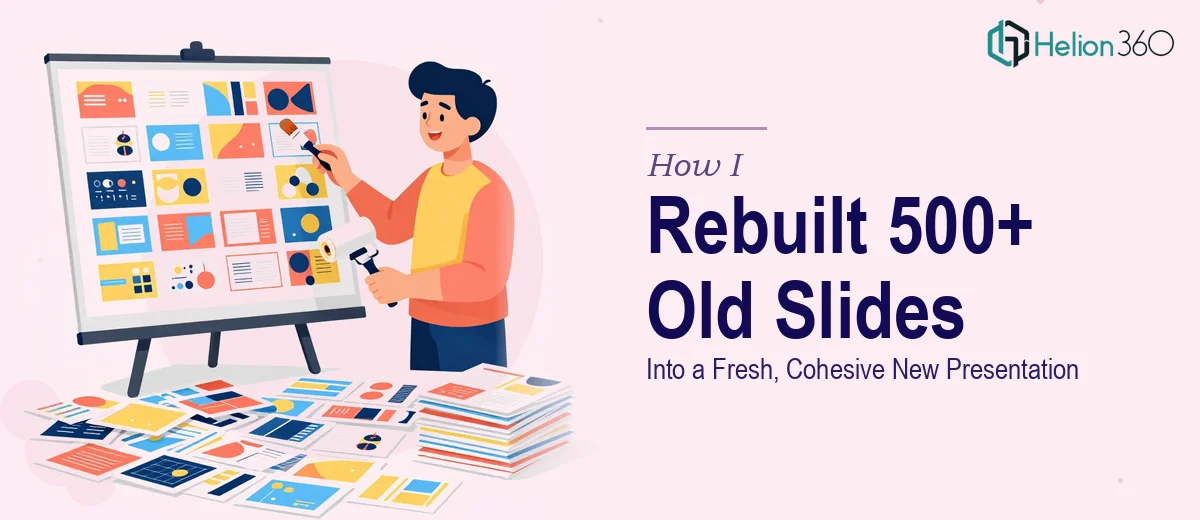
I had inherited a library of over 500 PowerPoint slides from a past marketing campaign. The brief was straightforward on the surface: take these existing slides and rebuild them into a fresh, modern presentation that could be used across digital and print formats.
Simple enough, right? I thought so too — until I actually opened the files.
The slides were spread across multiple decks, each built by different people at different times. Some had outdated logos. Others used font sizes that belonged in a different era. A few slides had embedded images at low resolution, which would look terrible in print. And the overall structure? It jumped between topics without any clear narrative thread.
This wasn't just a design refresh. It was a full PowerPoint redesign project that needed content restructuring, brand alignment, and a coherent flow — all within two weeks.
What I Tried on My Own
I started where most people start: I opened the original slides and began sorting them manually. I grouped them by topic, flagged the ones with outdated content, and made a list of what needed to be updated versus what could carry over.
I rebuilt a few slides from scratch to test a new visual direction. That part actually went fine. The problem was scale. Doing this for 500+ slides — while maintaining brand consistency across every single one — was a different challenge altogether.
I also realized I didn't have updated brand guidelines memorized, and some of the infographics and data visuals in the original deck needed to be completely rebuilt, not just restyled. I could format slides. I couldn't recreate complex data visualizations quickly and accurately while also managing everything else on my plate.
About four days in, I had maybe 40 slides in a state I was happy with. At that pace, the two-week deadline was not going to happen.
Bringing in the Right Help
After hitting that wall, I came across Helion360. I reached out, explained the scope of the project — the slide count, the deadline, the brand requirements, the need for both a digital version and a high-resolution PDF — and their team asked the right questions from the start.
They wanted to see a sample of the original slides, understand the campaign context, and clarify where I had already made decisions about direction. That conversation made it clear they weren't going to just apply a template. They were going to actually think through the presentation redesign as a whole.
How the Rebuild Actually Happened
Helion360's team took over the bulk of the slide transformation. Here's what that looked like in practice:
Content audit and restructuring. They went through all the existing slides and organized them into a logical sequence. Redundant content was flagged. Outdated sections were marked for revision. The result was a cleaner content map before any visual work began.
Brand alignment across every slide. Updated logos, correct color codes, consistent typography — these were applied uniformly. Nothing was left to chance or eyeballed slide-by-slide.
Rebuilding data visuals and infographics. Several charts and visual summaries from the original deck were either outdated or too low-resolution to use. These were rebuilt from scratch in a style consistent with the new deck.
Dual-format output. The final deck was prepared in both an editable PowerPoint version for digital use and a high-resolution PDF for print. This was important — a lot of clients underestimate how different a file needs to be optimized when it's going to a printer versus a screen.
What the Finished Deck Looked Like
When I reviewed the completed presentation, the difference from where I had started was significant. The slides had a consistent visual identity throughout. The narrative actually flowed — someone could sit through the full presentation without feeling like they were watching three different decks stitched together.
The infographics were clean and legible. The brand elements were consistent. And the PDF version was crisp enough to print without any quality loss.
Helion360 delivered on time, which given the scope, was the part I was most uncertain about.
What I Took Away From This
The lesson here wasn't that I couldn't do this work. It was that presentation redesign at scale — especially when it involves content restructuring, brand consistency, and multi-format output — requires more than design skill. It requires a structured process and enough bandwidth to execute across hundreds of slides without quality dropping off.
If you're facing a similar situation — a large deck that needs a full rebuild, outdated slides that need a modern overhaul, or a tight deadline that makes doing it yourself impractical — it's worth getting a team involved early rather than after you've already lost days trying to manage it alone. For teams juggling multiple deliverables at once, see how two PPTs and workbooks launch-ready can come together with the right support.