

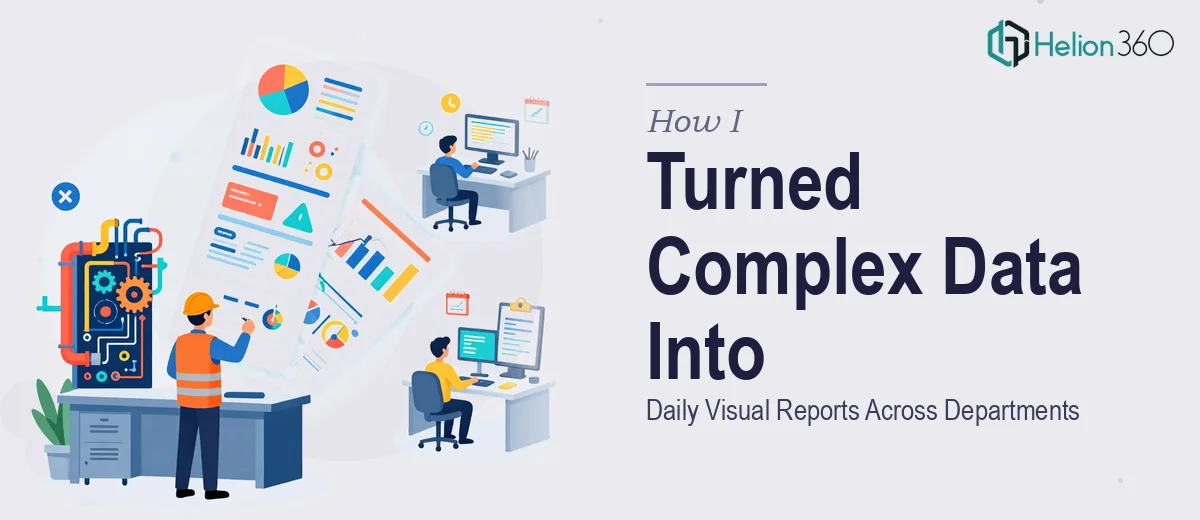
When Every Department Needs a Report by End of Day
I work at an engineering company where data never stops moving. Project milestones shift, safety incidents get logged, HR tracks headcount changes, and the finance team wants expense summaries before the week closes. Every department had its own spreadsheet, its own way of recording information, and absolutely no consistent way of presenting it.
At some point, someone had to connect those dots. That someone turned out to be me.
The task looked manageable at first. Pull data from the Excel files, build a few charts, throw them into a PowerPoint, done. But within the first week, I realized this was not a one-time project. It was a daily operation covering project management, goals tracking, expenses, marketing, HR, and safety — each area with different data structures, different stakeholders, and different urgency levels.
The Problem With Doing It All Manually
I can work with Excel reasonably well. I know my way around pivot tables and basic chart formatting. But the volume here was the issue. Each morning I was receiving raw data from multiple teams, and each afternoon someone expected a clean, readable visual output — the same day.
The charts I was building were functional but not polished. A bar chart showing project expenses is useful, but when it looks like it came from a default Excel template, it loses credibility in front of leadership. I was spending more time reformatting than actually analyzing, and the turnaround pressure left no room for the design quality the work deserved.
I also had to maintain consistency across all departments. The safety dashboard could not look completely different from the HR summary. There needed to be a unified visual language, and I did not have the bandwidth to build and maintain that on top of everything else.
Where Helion360 Came In
After two weeks of trying to manage the daily reporting workload alone, I reached out to Helion360. I explained the setup — engineering company, multiple departments, raw data coming in daily, same-day turnaround needed, PowerPoint and Excel as the primary tools.
Their team asked the right questions. What visual style did the company use? How structured was the incoming data? Were there existing templates to build from, or did everything need to be created from scratch? Within a short exchange, it was clear they understood what kind of work this actually was — not just making things look nice, but building a repeatable visual reporting system that could handle real operational data under time pressure.
Helion360 built out a core set of Excel chart templates and PowerPoint layouts tailored to each department. Project management got a clean timeline and milestone tracker. The goals dashboard used a progress visualization format that made it easy to see at a glance what was on track. Expense tracking was formatted into a readable summary that did not require anyone to interpret raw numbers. Safety and HR each got their own consistent slide structure.
What Changed After the System Was Built
Once the templates and chart frameworks were in place, the daily reporting process became significantly faster. The incoming data had a destination. I was no longer reformatting from scratch — I was dropping updated figures into a structure that already worked.
The visual consistency across departments was immediately noticeable. Leadership started engaging with the reports differently. When everything follows a clear data visualization standard, people stop squinting at charts and start reading the actual insights.
The other shift was in how I spent my time. Instead of wrestling with chart formatting in Excel for two hours, I was spending that time reviewing the data itself, catching anomalies, and making sure the information being surfaced was accurate. That is where the real value sits — not in building the chart, but in understanding what it is showing.
What This Kind of Work Actually Requires
Handling daily visual reporting across multiple departments is not a task that rewards improvisation. It needs a structured system, design consistency, and the technical depth to build Excel and PowerPoint templates that non-designers can actually use and update. That combination is harder to build alone than it looks.
If you are managing a similar situation — raw operational data, multiple teams, and a daily deadline to make it all readable — Helion360 is worth a conversation. They stepped in at the point where volume and design complexity exceeded what I could handle alone, and the reporting system they built made the whole workflow sustainable.