

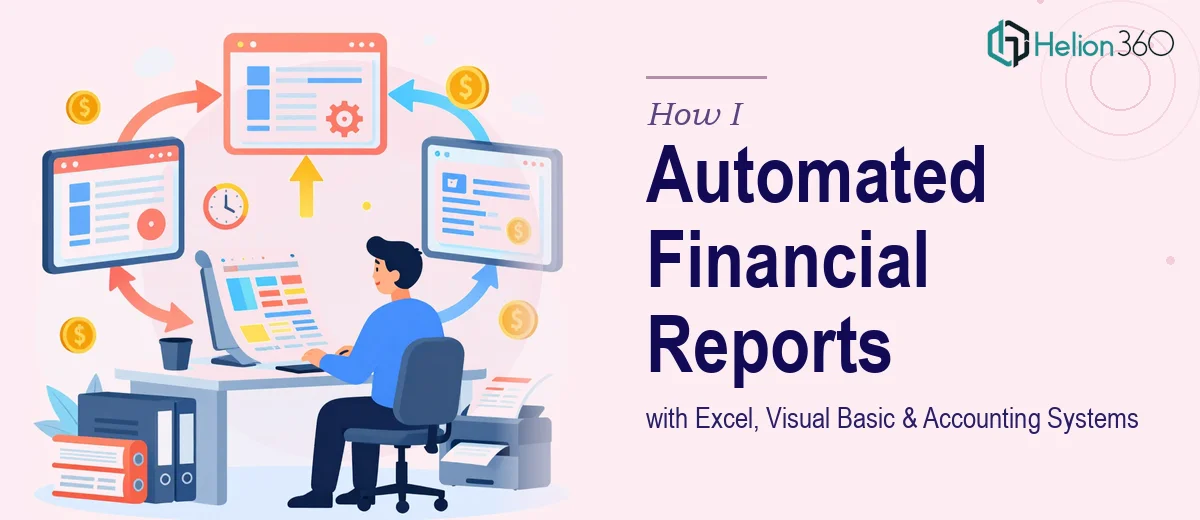
Every month, the same task sat on my desk like a wall I had to climb. I would pull data from our reservations system, export a separate set of reports from ContPaq, our accounting software, and then spend hours manually copying and reconciling figures into a master Excel file just to produce a monthly financial statement. It was repetitive, error-prone, and was eating up time I could not afford to lose.
I knew the problem was solvable. I had seen what Excel macros and Visual Basic for Applications could do in theory. But knowing something is possible and actually building a reliable, cross-system automation are two very different things.
Where Manual Work Breaks Down
The core issue was that I was working with two separate data sources that did not talk to each other. The reservations system produced its own export format, and ContPaq had its own reporting structure. Every month I was acting as the bridge between them — a human copy-paste layer in what should have been an automated workflow.
I tried building a basic Excel macro myself to handle some of the repetitive data entry. It worked for a portion of the task but fell apart when the report formats changed slightly or when I needed to apply business logic across both data sets. ContPaq in particular has its own quirks, and building reliable imports from it required more fluency with the system than I had.
There was also a language consideration. Our accountant works entirely in Spanish, and any solution that required coordination or documentation would need to function across that language gap. That added another layer of complexity to an already technical project.
Bringing in the Right Support
After spending more time troubleshooting my own half-built macro than actually doing useful work, I reached out to Helion360. I explained the situation: two data sources, a manual consolidation process, a ContPaq integration challenge, and the need for everything to be documented clearly enough that a Spanish-speaking accountant could work with the output.
Their team understood the scope immediately. They asked the right questions about how the data was structured in each system, what the final financial statement needed to look like, and what level of maintenance the solution should require going forward. That clarity in the early conversation gave me confidence that the work would actually solve the problem rather than just partially address it.
What the Automation Actually Involved
The solution they built used Visual Basic for Applications to automate the data pulls from both systems and consolidate them into a structured Excel workflow. When either source file was updated, the macro would process the inputs, apply the necessary calculations, and populate the monthly financial statement automatically.
Handling the ContPaq side required understanding how that system exports its data and mapping those fields correctly to our internal reporting format. That is where having experienced hands made a real difference — this was not a generic Excel task. It required knowledge of how accounting data flows and how to handle edge cases without breaking the entire sheet.
The final workbook was clean, clearly labeled, and structured so that our accountant could work with it without needing technical knowledge. The documentation was prepared with Spanish-language notes where needed, which made adoption much smoother.
The Outcome and What Changed
What used to take the better part of a day now runs in minutes. The monthly financial statement gets generated with far less manual input, and the margin for data entry errors has dropped significantly. More importantly, the foundation is now in place to extend the same approach to other recurring reports and tasks across the company.
Automating Excel reports that span multiple systems is genuinely complex work. The data structures, the business logic, and the system-specific quirks all have to be accounted for. Attempting it without the right technical depth is how you end up with a brittle macro that works until it suddenly does not.
If you are dealing with a similar situation — monthly reports that are mostly manual, data living in two or more systems, and a spreadsheet workflow that has outgrown what you can manage alone — Helion360 is worth a conversation. They handled the technical and coordination complexity so I could focus on actually using the reports instead of building them.