

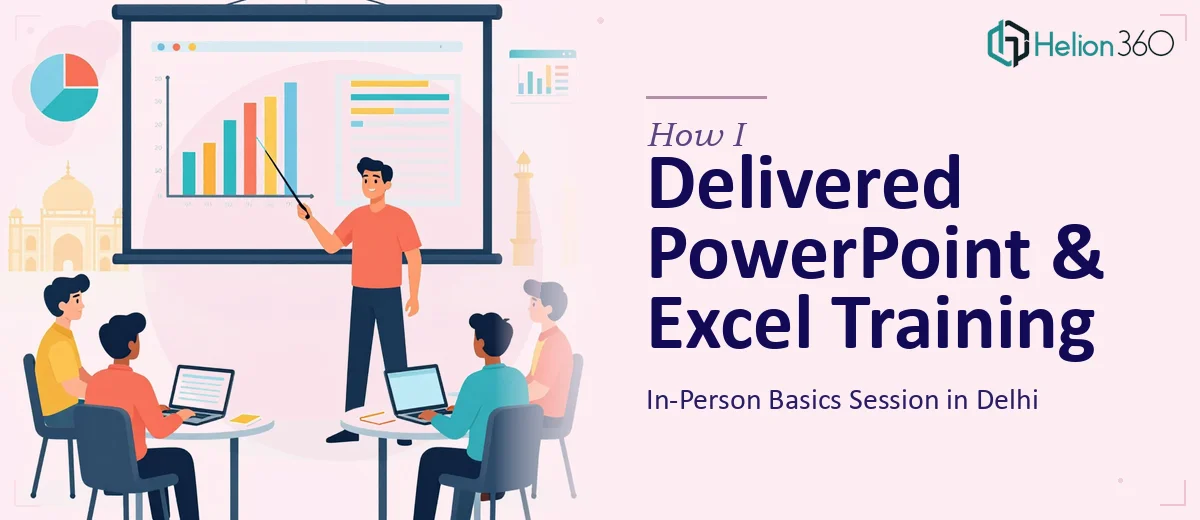
The Brief Seemed Simple Enough
When I first took on the task of conducting an in-person PowerPoint and Excel basics training session in Delhi, I thought it would be fairly straightforward. Cover the essentials, walk participants through a few features, answer questions, done.
But the more I dug into the preparation, the more I realized how much was actually involved. This wasn't just about knowing PowerPoint and Excel — it was about structuring a session that worked for complete beginners, keeping energy levels up in a room, and making sure everyone left with something practical they could actually use.
Planning the Session Content
I started by mapping out the core topics. For PowerPoint, the focus areas were:
- Creating and structuring a basic presentation
- Slide layouts and design consistency
- Inserting images, icons, and charts
- Using transitions without overdoing them
- Effective formatting techniques that make slides readable
For Excel, I wanted to cover:
- Navigating the interface and understanding cells, rows, and columns
- Basic data entry and manipulation
- Simple formulas like SUM, AVERAGE, and IF
- Formatting a spreadsheet for clarity
- Creating a basic chart from data
The topic list looked clean on paper. But building actual handouts, practice exercises, and real-world case studies that would work for a mixed group of learners — that's where the complexity crept in.
Where I Hit a Wall
I had the knowledge. What I didn't have was the time or the ready-made training materials. Designing structured handouts, building a cohesive slide deck that was also a teaching tool, and creating practical exercises that mirrored real work scenarios — all of this needed focused effort I couldn't give on short notice.
I also needed templates that participants could actually take home and use. Not generic ones from the internet, but clean, purposeful ones that matched what we were teaching in the session.
After spending two evenings trying to put things together and realizing the quality wasn't where it needed to be, I reached out to Helion360. I explained the situation — the audience, the topics, the format, and the tight timeline. Their team understood immediately and took over the material preparation side of things.
What Helion360 Delivered
Helion360 put together a clean, structured PowerPoint training deck that doubled as both a teaching tool and a participant handout. Each section had clear explanations, annotated screenshots, and blank practice slides where participants could try things out.
For the Excel portion, they created a practice workbook with step-by-step exercises — from basic data entry all the way to building a simple formatted report. The exercises were grounded in realistic scenarios, not abstract textbook problems, which made a real difference in how participants engaged with the material.
They also prepared a one-page summary sheet for each tool — a quick reference guide participants could keep on their desks after the session.
The turnaround was fast, and the materials were polished enough that I didn't need to modify much before walking into the room.
How the Session Actually Went
The training ran for a full day. The morning covered PowerPoint basics — creating presentations, working with layouts, and applying consistent formatting. The afternoon shifted to Excel, starting with navigation and data entry, then moving into formulas and basic data visualization.
Having well-structured materials made pacing much easier. I could focus on explaining, demonstrating, and answering questions rather than constantly referring back to rough notes. Participants had something in front of them to follow along with, which reduced confusion significantly.
The practice exercises were a highlight. Rather than just watching, participants could immediately apply each concept. A few people who came in saying they'd never opened Excel before were building simple formatted spreadsheets by the end of the session.
What I Took Away From This
Conducting a training session is one thing. Running a good one — where participants actually retain and apply what they've learned — requires preparation that goes well beyond knowing the subject.
The materials matter. The structure matters. And when you're working against a deadline, getting the right support for the preparation side can be the difference between a session that works and one that just fills time.
Helion360 handled the heavy lifting on the content and design side, which let me do what I do best in the room: teach, explain, and engage.
Need Support Preparing Training Materials That Actually Work?
If you're planning a training session and need well-structured slides, handouts, or practice resources — similar to how others have managed to get two PPTs and workbooks launch-ready under tight deadlines, or pulled off a full PowerPoint presentation redesign in record time — Helion360 can help you get it ready without the last-minute scramble.