

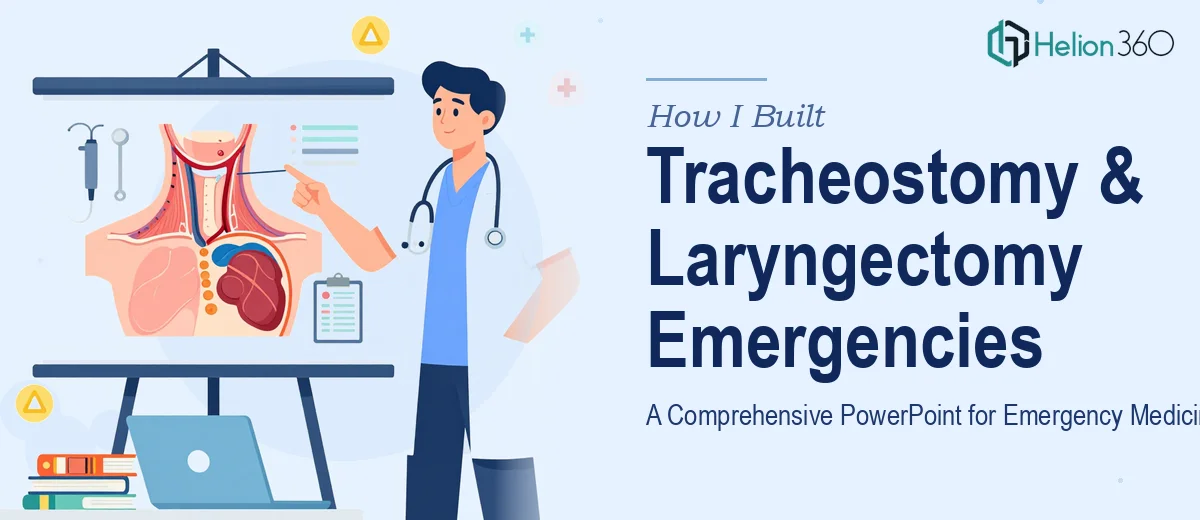
The Brief Sounded Straightforward at First
When I took on this project, the goal seemed clear enough: build a PowerPoint lecture covering tracheostomy and laryngectomy emergencies for an emergency medicine audience. The presentation needed to run approximately 60 minutes, cover the basics of how tracheostomies work, walk through common complications, and then shift into the emergency scenarios that clinicians are most likely to encounter in practice. Clinical images were expected. Video clips were a bonus if they added value.
I had worked on educational presentations before, but this one sat at the intersection of clinical accuracy and instructional design — and that combination raised the bar considerably.
Where the Complexity Started to Show
The content itself was dense. Tracheostomy anatomy, tube types, cuff mechanics, fenestration, speaking valves — just the foundational section required careful sequencing so that a mixed emergency medicine audience could follow along without losing the thread. Then came the laryngectomy content, which introduced an entirely different airway anatomy. The fact that a laryngectomy patient is a permanent neck breather is not always intuitive to providers who rarely encounter them, and getting that across visually required more than a paragraph of text on a slide.
I started building the structure myself — outlining sections, organizing the emergency scenarios, and sketching out a flow for the 60-minute runtime. I could manage the content architecture, but when it came to actually translating clinical material into slides that were visually clear, medically accurate, and engaging enough to hold a room for an hour, I hit a wall. Medical illustration standards, slide pacing for a lecture format, sourcing appropriate anatomical visuals — each of these became its own problem.
That is when I reached out to Helion360. I shared the content outline, explained the audience, described the timeline, and asked if they could take it from there.
How the Presentation Came Together
Helion360's team picked up the project with a clear structure already in mind. They began with a preliminary draft — exactly what I needed before committing to a final version — so I could review the slide flow, check the accuracy of the medical content as it was being visualized, and flag anything that needed adjustment.
The preliminary showed a well-paced lecture deck. The opening section covered tracheostomy basics: indications, tube anatomy, and how the airway functions post-procedure. This was followed by a complications module that addressed obstructions, accidental decannulation, bleeding, and infection — laid out in a way that built logically toward the emergency scenarios section.
The laryngectomy portion was handled carefully. The team used clear anatomical diagrams to distinguish the altered airway from a standard tracheostomy, which is one of the most critical distinctions for emergency providers to understand. The emergency scenarios themselves were presented as case-style sequences — clinical situation, what to look for, how to respond — which worked well for an EM audience that thinks in that framework.
Visuals throughout were clean and clinical without being cluttered. Where appropriate, image placeholders were included for the client to substitute with institution-approved or licensed medical photography. The deck was built to run at a comfortable pace across 60 minutes, with natural breakpoints between major sections.
What the Final Deck Delivered
The finished presentation covered everything the brief asked for: tracheostomy fundamentals, complications, and a focused emergency management module that extended to laryngectomy patients. The slide count supported a 60-minute lecture without rushing or padding. The visual design was professional and suited to a clinical education context — not flashy, but clear and credible.
The preliminary review process made a real difference. It gave me the opportunity to course-correct before the final version was locked in, which is essential when the accuracy of medical content is on the line.
Building a medical education PowerPoint at this level is not just a design task — it is a content strategy and instructional design challenge that requires both visual skill and the ability to handle subject-matter complexity without diluting it.
If you are facing something similar — a clinical lecture, a medical training deck, or any educational presentation that needs to be both accurate and visually compelling — Helion360 is worth reaching out to. They handled the parts I could not manage alone and delivered a presentation that was ready for the room.